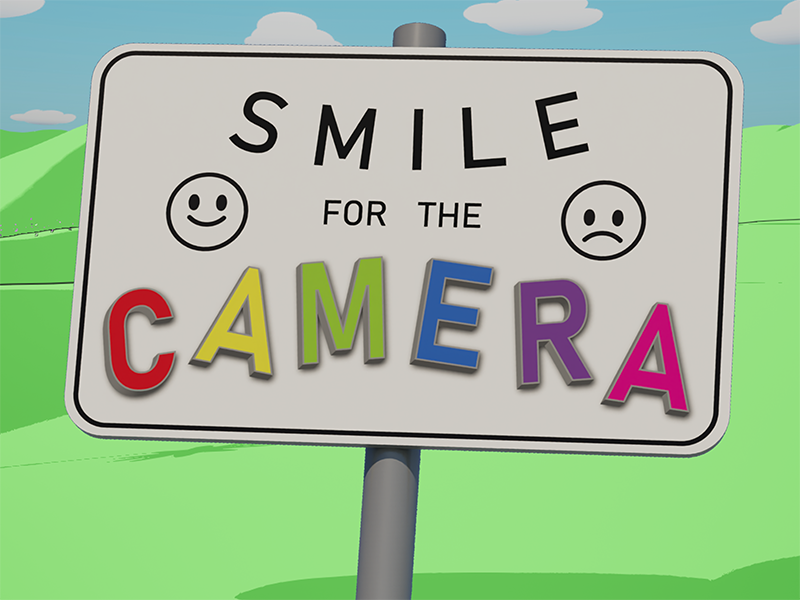
Smile for the Camera (2026)
The inspiration for this project came from the excellent 2021 game Before Your Eyes, which uses the player's webcam to allow the game to respond to the player's real-life blinks. I wanted to see if this concept could be extended, and settled on the idea of detecting the player's emotion through their facial expressions.
Try it out or read on to learn about a few of the challenges I faced in engineering, designing, and creating the visual style of this game.
Engineering
Security and user privacy was a priority for me, so I chose not to use any cloud-based neural network services or pre-existing Unreal Engine plugins. This meant I had to implement the real-time emotion recognition myself. I settled on the model ResMaskNet because its relatively small size meant I could package it with the game and run it locally on the user's computer.
I wrote a Game Instance Subsystem in the Unreal project to run an external process on startup which takes snapshots from the user's webcam and runs them through ResMaskNet to return probabilities for each of the possible emotions (Neutral, Happy, Sad, Anger, Surprise, Fear, Disgust). This process also acts as a client, continuously sending the emotion data to a server within the game. I initially created this process as a Python script running on an embedded Python installation, but to simplify the file structure of the final game package, I used PyInstaller to bundle this into a standalone executable near the end of development.
Using PyTorch, the neural network is able to run on CUDA-capable GPUs. This speeds up the emotion detection in comparison to running on the CPU, and in the end, the system I built detects emotions fast enough that the delay is nearly unnoticeable, creating a very responsive gameplay experience.
Design
During testing, I found that the emotion detection works best when players are being very expressive in particular ways. For example, ResMaskNet detected anger most reliably if the player opened their mouth and scrunched their eyebrows as if they were screaming. This fact inspired the fire-breathing ability in the game, but it also meant I needed a way to communicate to the player what sort of facial expressions to make.
The game already needed a calibration step to improve the accuracy of the emotion recognition for each player, so I used this process as an opportunity to show the player example faces to mimic. I drew cartoon faces each with eyebrows, eyes, and mouths. These faces appear at each step of the calibration when the player is prompted to express each emotion.
This subtle suggestion worked well, and when I demonstrated the game at a public event, players intuitively made the intended faces.
Visuals
With the game shaping up to be a light and playful experience, I knew I needed a similarly playful visual style to match. Each emotion the game can detect controls a particular ability the player has in the game (e.g. breathe fire, summon a raincloud), and to make these abilities feel fun, I created Niagara System particle effects that looked good under the post-process cel shader I had created.
This involved using simple meshes (spheres, hearts, raindrops) and animating their scale and colour over their lifetime in various ways to suit each ability. My initial approaches to these effects involved sprites with opacity, but this didn't play well with the cel-shader and felt out of place in a game where everything is textured with flat colours. However, I was still able to give each effect its own flair despite being limited to simple opaque meshes. From a raincloud fading into view to a firework burst suddenly appearing and twinkling away, different scale and colour curves make each effect feel unique.